
What it does
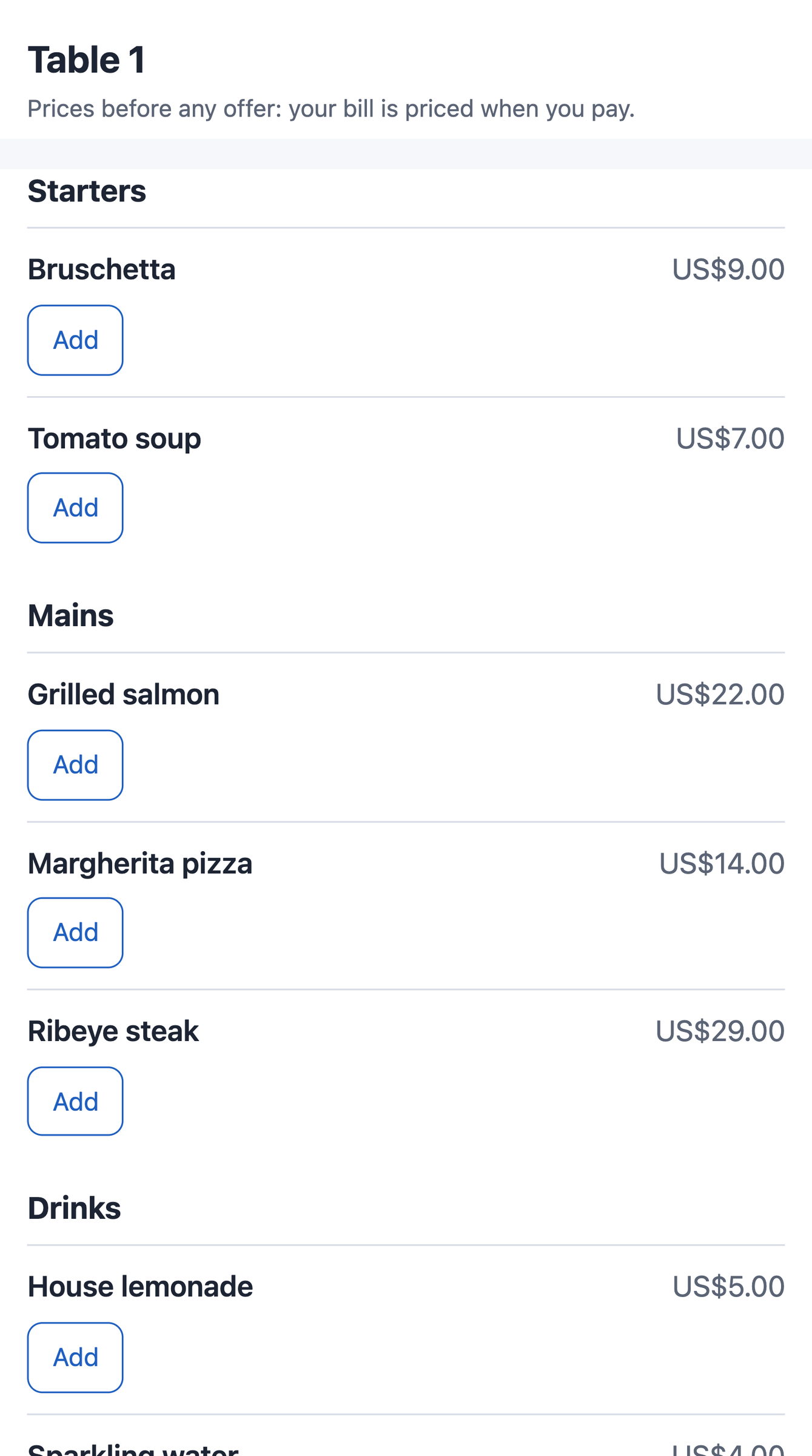
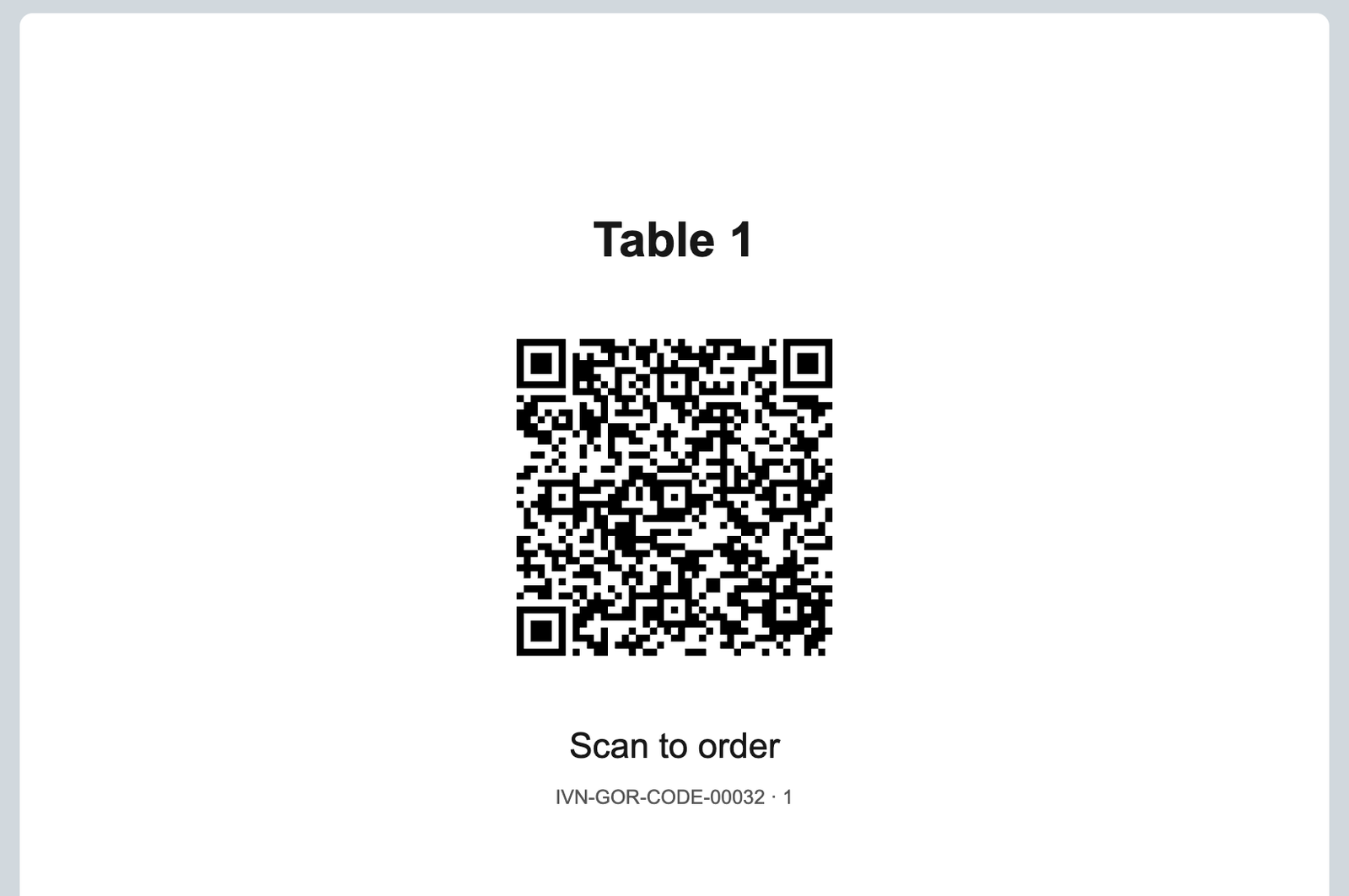
Guests scan the table's code or use the kiosk, order from your menu, and the order lands on the table's check on every till, waiting for your server.
What it does
- The menu is your register's own: its item groups, the price list's prices before any offer, and each dish's choice groups.
- No bill at the table opens one; one open gets the lines; more than one is refused. One order a table every 15 seconds; a retry is never sent twice.
- A kiosk order is a tab named by a five-character code, paid at the counter; the guest keeps the receipt.
- The app never sends to the kitchen or takes a payment; the page asks no name, phone or e-mail.
How to set it up
- On the user ivendnext_gor@integration.invalid: tick Is POS User, choose a Shift Profile, link a Retail Permission with only open a check, add to a check and see the checks, add each store once with its register there (Table Service on, the menu's item groups listed), Save, then Generate Keys.
- The install gave IVENDNEXT GOR Integration Read on Item, POS Profile and Retail Option Group (POS 2.1.0.691+). Give IVENDNEXT GOR Manager to whoever prints the codes, with Read and Select on Retail Floor Place and Select on Warehouse. Fill IVENDNEXT GOR Settings per store.
- Switch on the service and the Make code button; press Connect again if asked.
- Make a code per table and kiosk, press Make code, print the Table card. A kiosk's counter register needs Table Service on too.
Good to know
- Guests' phones call guest-ordering.ivendnext.app (CitiXsys), which reads your menu and floor and writes orders through your till; it keeps no order.
- A leaked code: press Make code again and reprint that card. A reinstall needs every card reprinted.
- Never give the app's user write on Floor Section or send to the kitchen. Before removing the app, pay or close its checks.
- Adds
- 2 new lists · 4 new fields on IVENDNEXT GOR Code · 1 print layout · 1 event feed · 1 till extension · 1 Desk button
- Used by
- IVENDNEXT GOR Manager, System Manager, Cashier
- Licence
- Apache-2.0
Version and changes
Version 1.0.1 · 7 Nov 2026
1.0.1 (7 Nov 2026): The install gives the app's user its rights (POS 2.1.0.691).
1.0.0 (29 Oct 2026): First listed version, hosted by CitiXsys.
Need it your way?
An iVendNext partner can tailor this app to how your stores work: your own fields, rules and screens, delivered to your site alone. Ask your partner, or ask us through Help to introduce one in your region.
For builders: this app's code is open in the Partner Kit (Apache 2.0) · The code · How to make it your own
Related apps
iVendNext Loyalty
Points and rewards: customers earn points on what they buy and redeem them at the till, and the cashier sees each customer's balance during the sale.
WhatsApp messages
Send WhatsApp messages to your customers from iVendNext through your own WhatsApp Business account: order confirmations, receipts and payment reminders, sent automatically once you set them up, and campaigns from Desk.
Customers by store
At which stores each customer group may buy: account customers at their own store, trade customers at the trade counter. Anywhere else the till takes the customer off the sale, with your reason.
Customer code check
A one-time code texted to the customer's phone before their points, credit or account are used at the till. The cashier types the code the customer reads out; until it is right, no payment takes that customer.